Turn WhatsApp into your #1 business channel
Talk to customers where they already are — at scale, with automation.
Customers expect instant replies on the apps they already use every day, but email gets ignored and phone lines get busy. Businesses that rely only on traditional channels lose leads to slower response times and missed messages.
Four steps from setup to results
- Get verifiedWe help you apply for and set up your official WhatsApp Business API account with the green tick.
- Connect your toolsLink the API to your CRM or e-commerce store, or use our dashboard directly.
- Automate & sendSet up automated replies, broadcast campaigns and order updates.
- Track & improveMonitor delivery, open rates and conversations from one dashboard.
What’s included
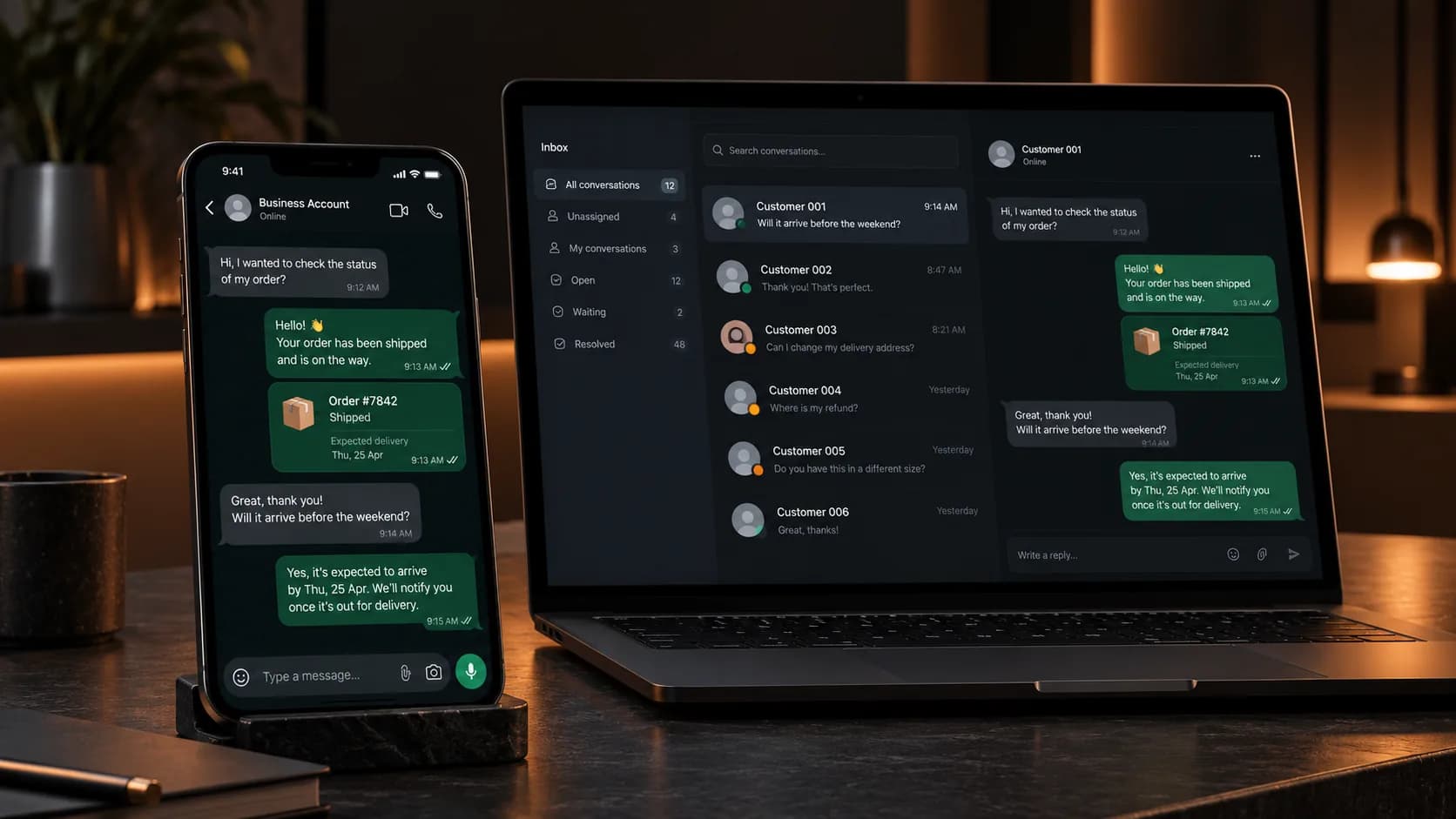
WhatsApp Business API runs on the same platform as every other product — one set of contacts, one inbox, one set of reports.
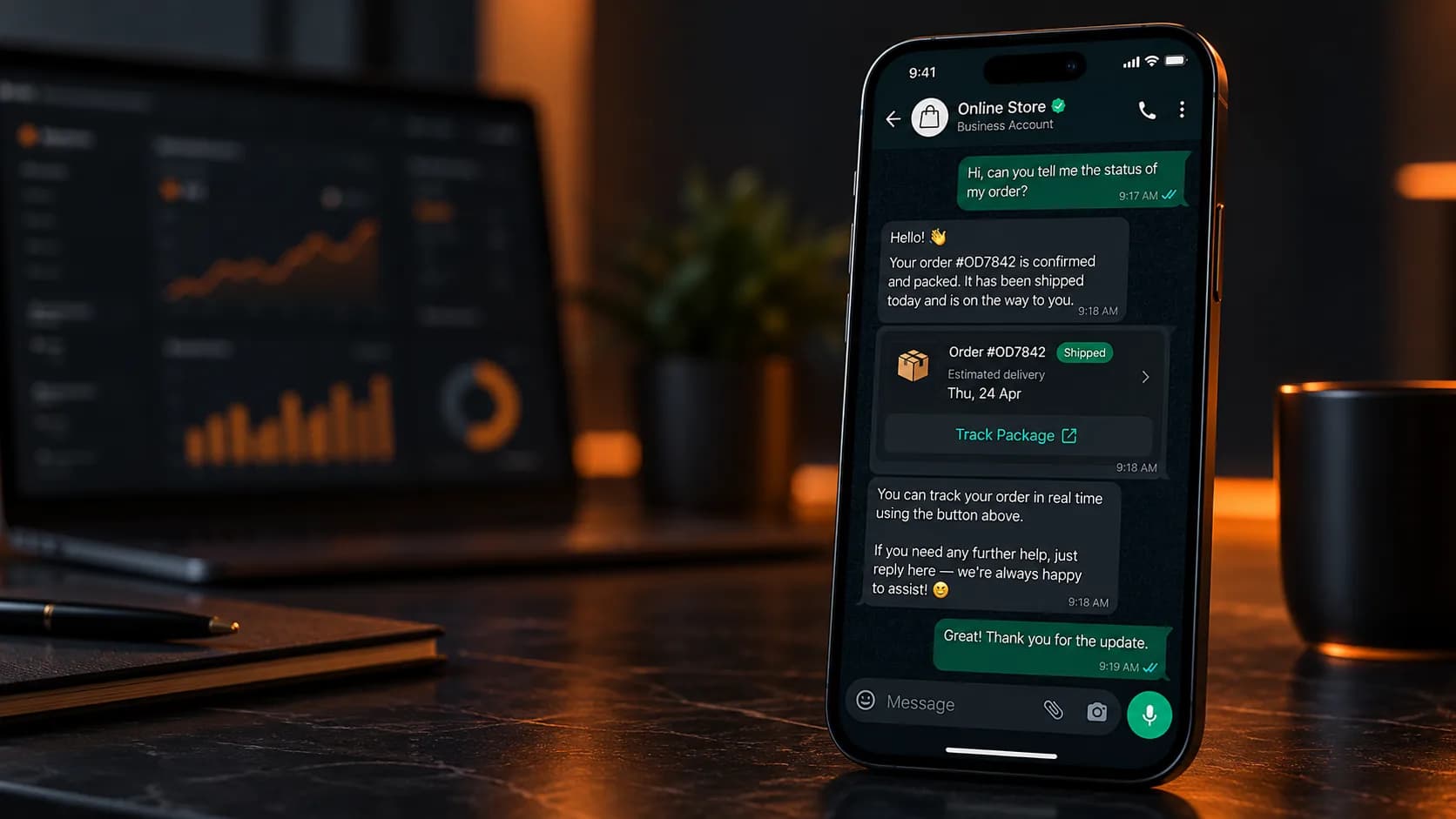
- Official green-tick verificationBuild instant trust with a verified business profile.
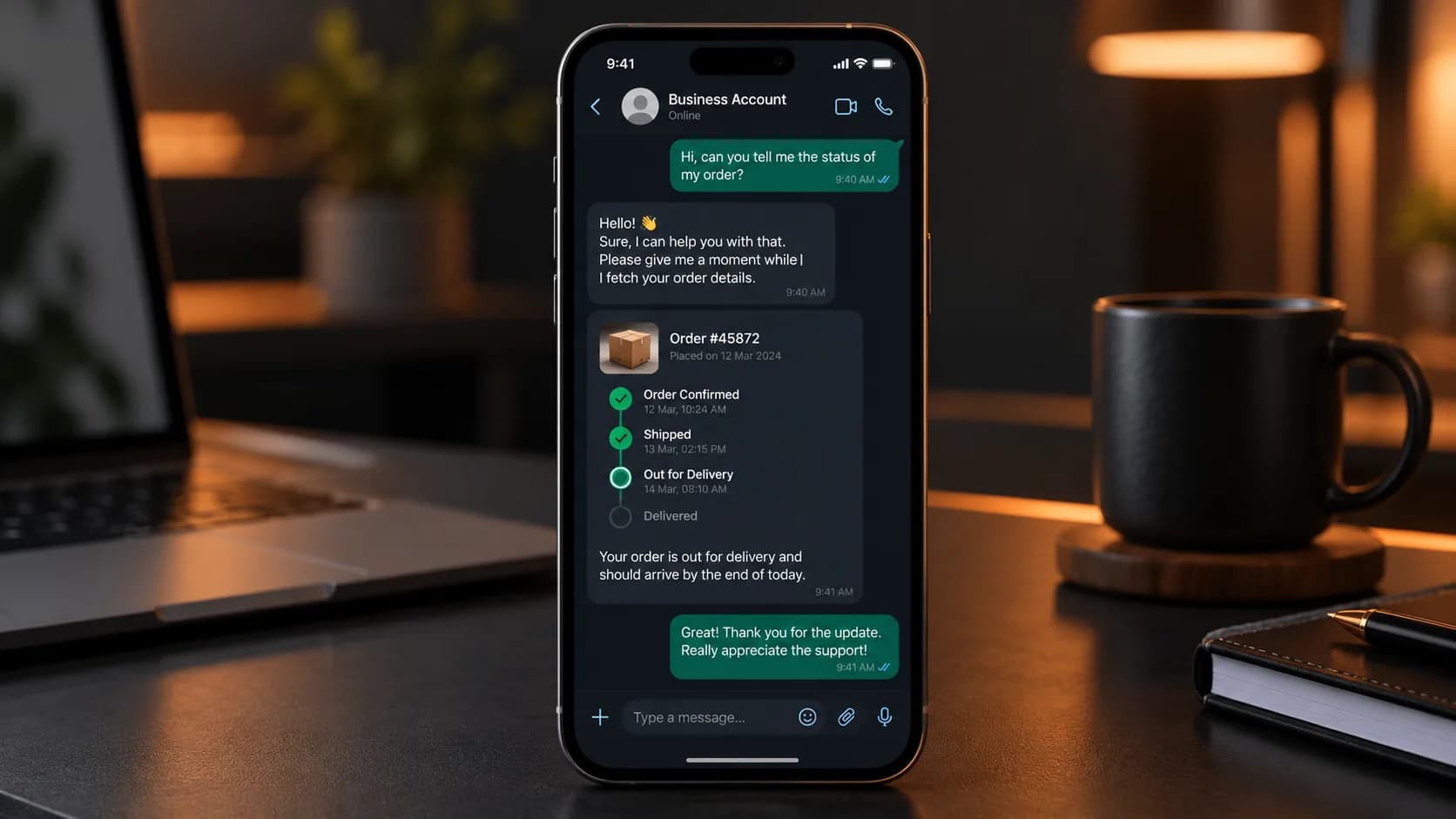
- Template & session messagingSend approved marketing templates and handle live conversations.
- Product catalog & paymentsShowcase products and accept payments directly in chat.
- Multi-agent accessLet your whole team manage conversations from shared numbers.
- API & no-code optionsDevelopers integrate via API; non-technical teams use the dashboard.
Inside WhatsApp Business API
Why it matters
- Sub-second delivery for template messages.
- Works for both marketing broadcasts and real-time customer service.
- Shopify
- WooCommerce
- Salesforce
- Zoho
- HubSpot
- Google Sheets
Questions, answered
Yes — we’ll guide you through linking WhatsApp Business API to your Meta Business Manager as part of onboarding.
In most cases yes, provided it isn’t already registered on the standard WhatsApp Business app.
Timelines vary by Meta’s review queue — we’ll confirm a current estimate during onboarding.
Meta sets tiered limits that increase automatically as your quality rating and usage grow.